How to Block Games During Homework on Android
Updated
Short answer
Do not block the whole phone if the child still needs it for school.
Instead:
- identify the distracting games
- block or limit those apps
- keep learning, calling and school apps available
- set a clear homework period
- return to normal rules when homework is finished
The most effective rule is usually the narrowest rule that solves the problem.
Why whole-phone blocking can backfire
A child may need the phone for:
- classroom tools
- research
- teacher messages
- calculator
- family communication
- maps or transport
If you lock the entire phone, you may block the useful tools along with the distraction.
Per-app rules are often better.
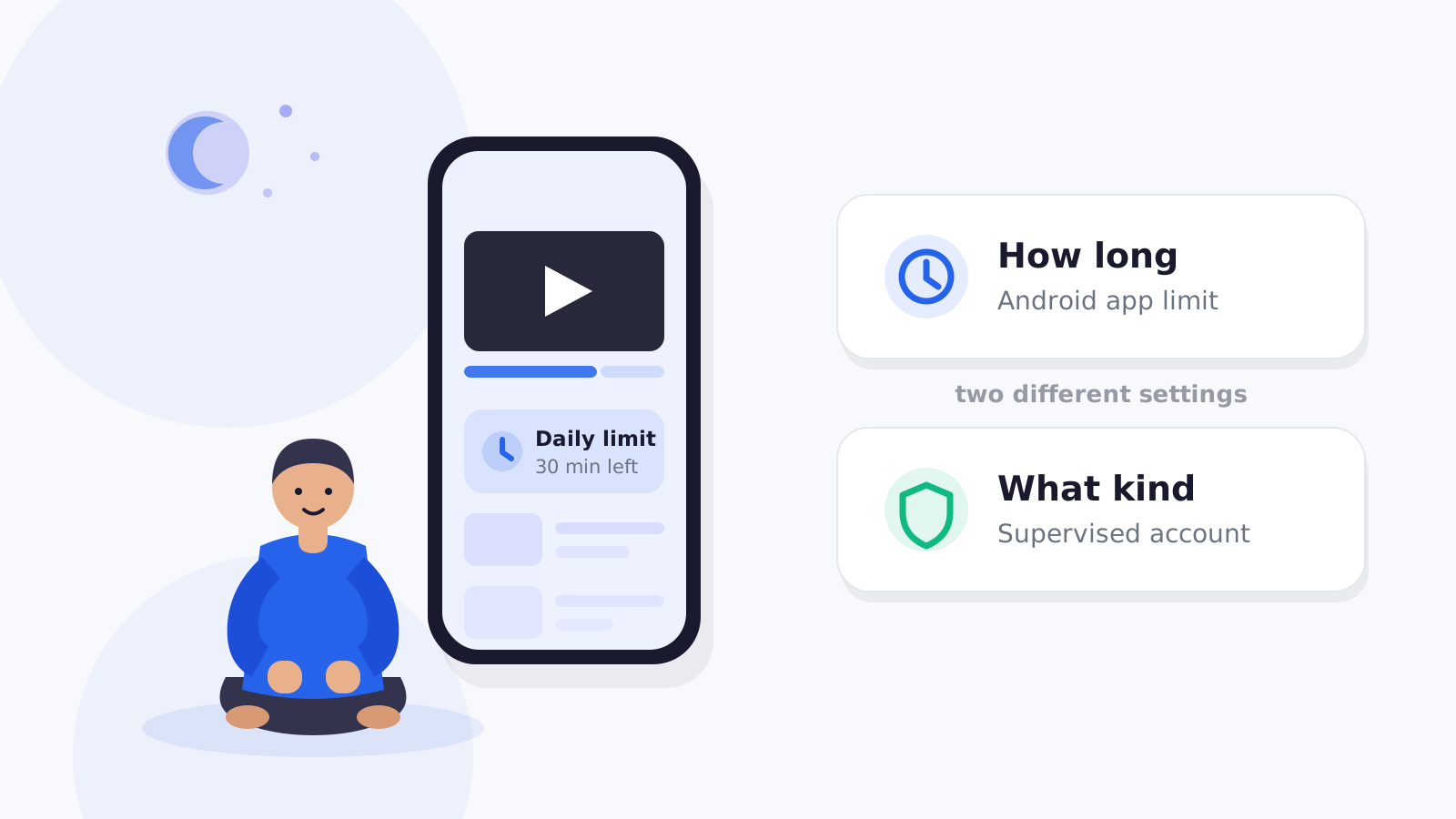
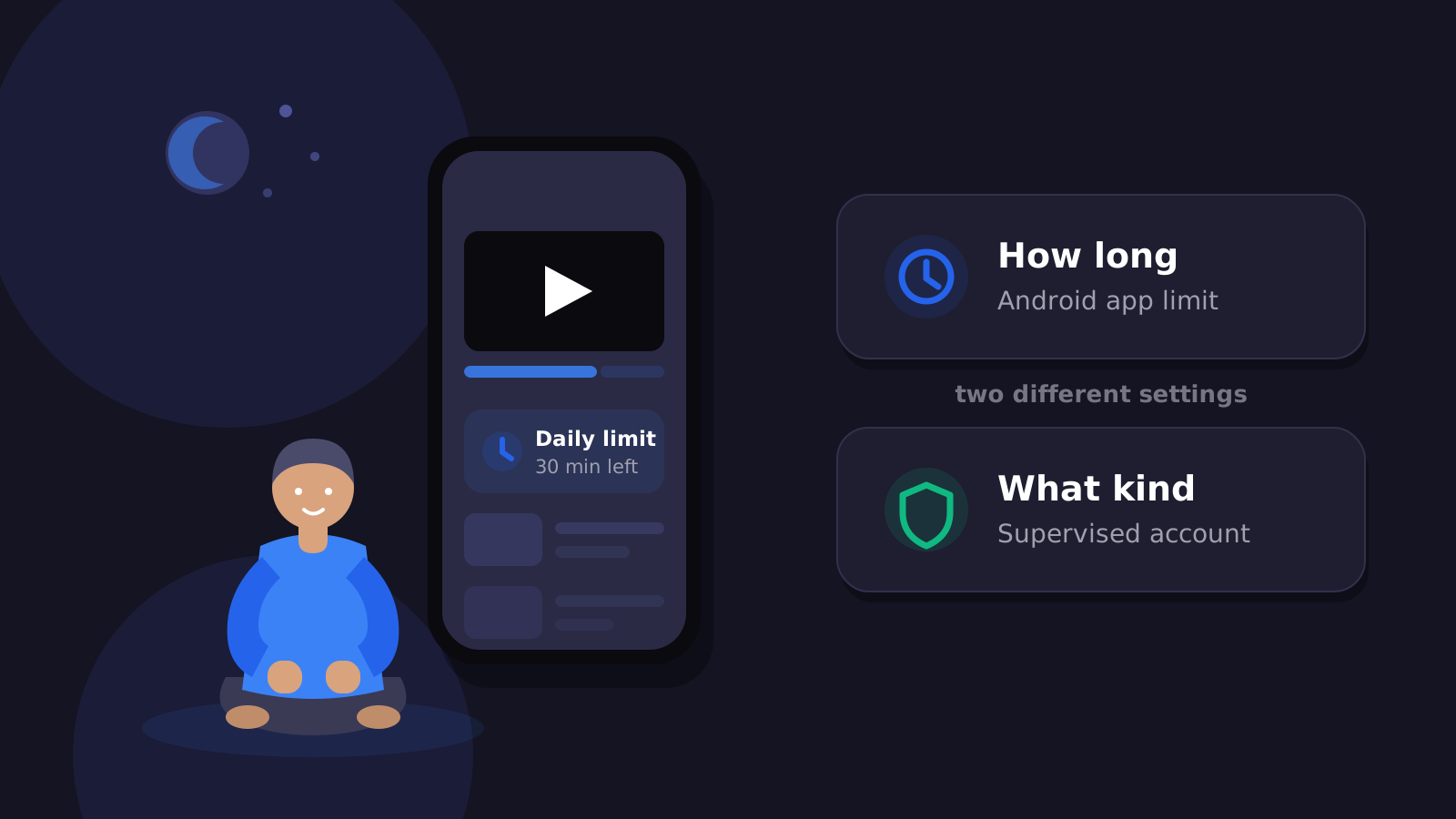
Option 1: Family Link app limits
Google Family Link can:
- block supported apps
- set app-specific daily limits
- use downtime/school-time style schedules
- keep selected apps available
That gives parents a free Android-native baseline.
Option 2: FlashDroid app rules
FlashDroid uses per-app rules:
- Allow
- Limit
- Block
- Always allowed
A parent can block games while leaving school tools available.
Create a stricter mode for exam days
FlashDroid lets you create and name your own day modes, for example:
- Normal
- Weekend
- Holiday
- Exam Day
- Sick Day
- Screen-Free Day
A mode you name Exam Day is a good fit for academic-pressure periods.
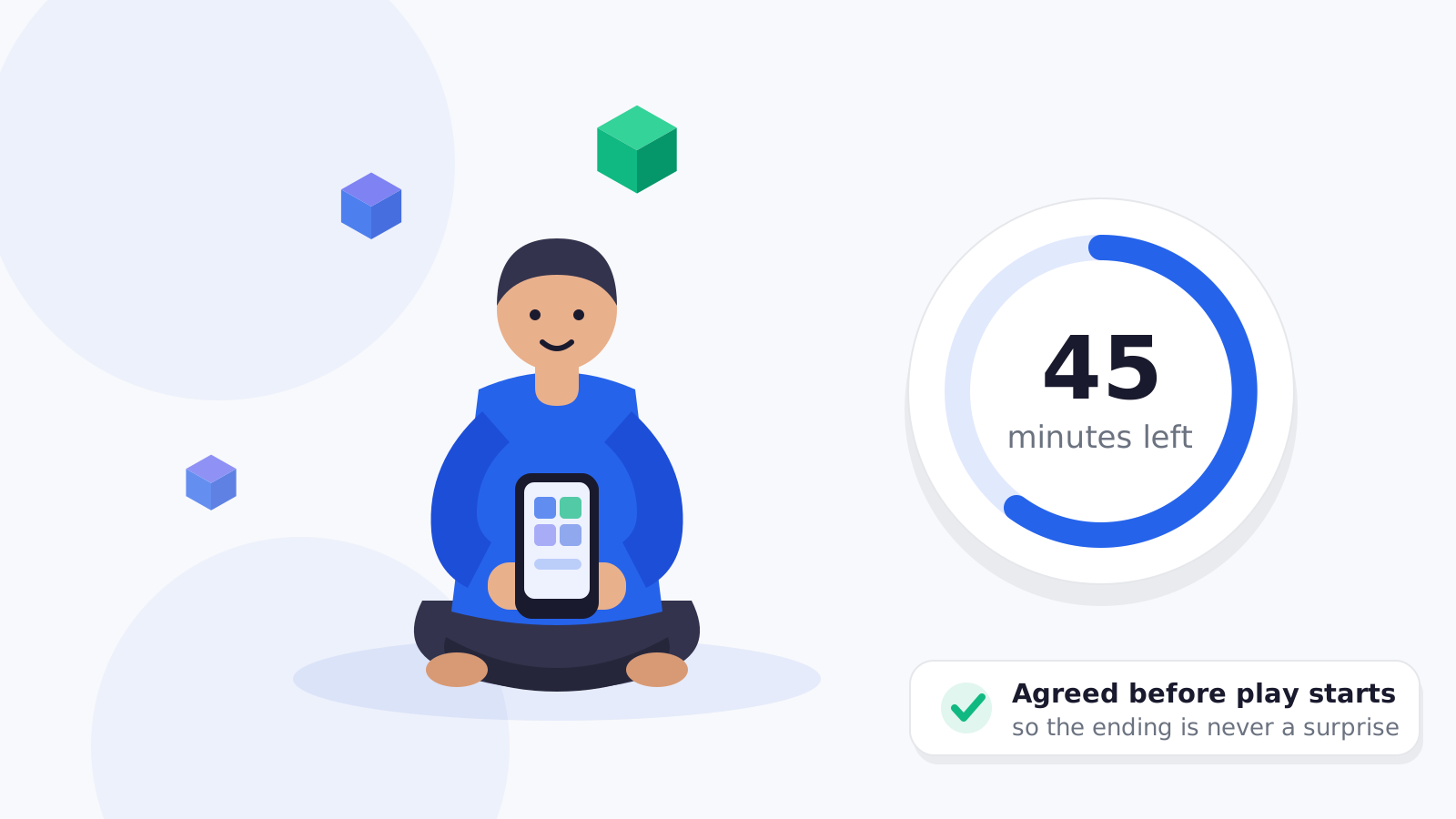
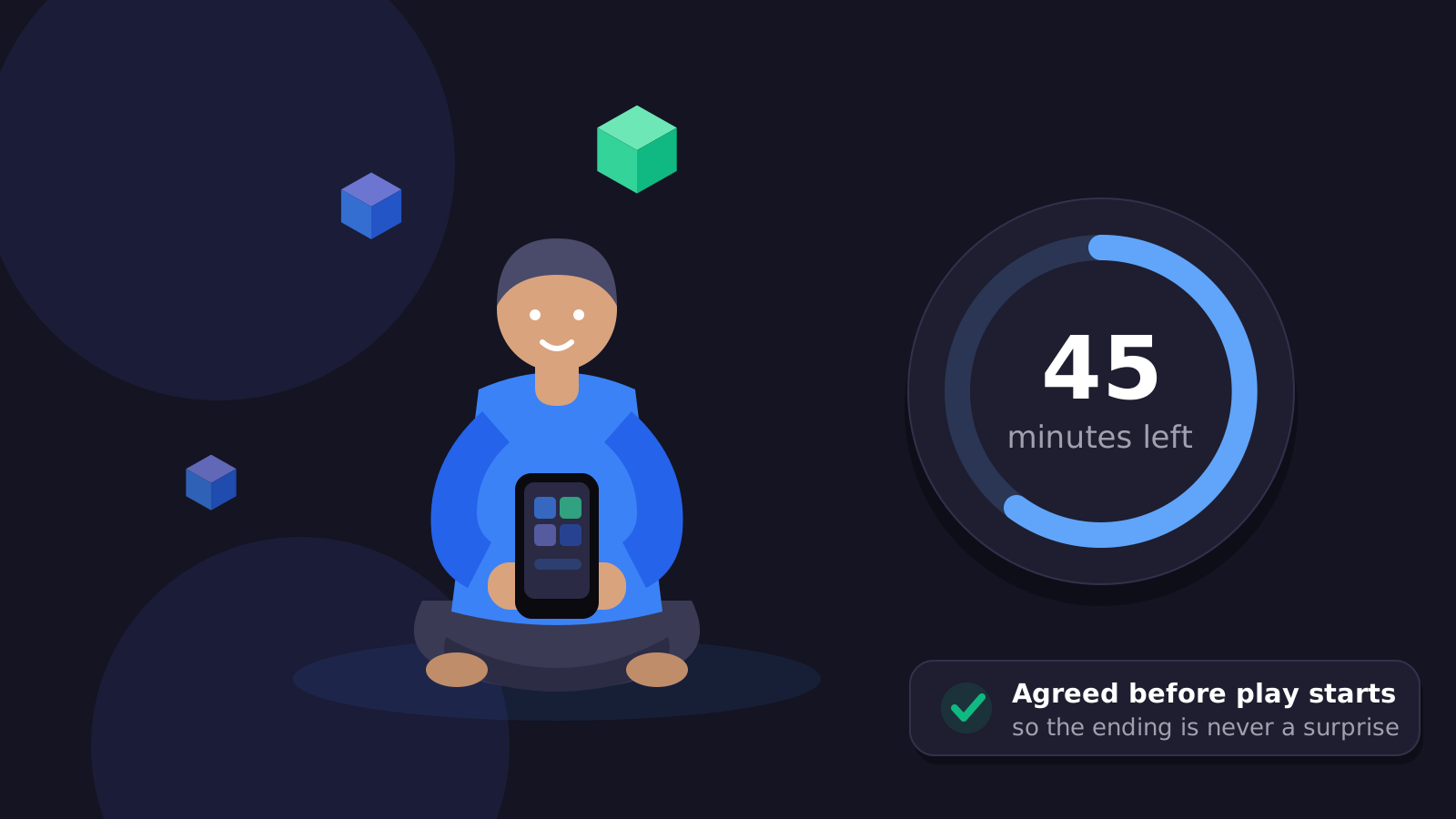
Make the rule predictable
Instead of:
“Stop playing right now because I am angry.”
try:
“Games are unavailable during homework. They come back after the study period.”
Predictable rules usually create less negotiation.
Do not promise better grades
Blocking a game cannot guarantee academic improvement.
The safe claim is:
Protect study time from app distractions.
Sources
- Google For Families — Manage your child's apps
https://support.google.com/families/answer/7103028 - Google For Families — Manage screen time
https://support.google.com/families/answer/7103340
Frequently asked questions
Can I block only games during homework?
Yes. Use app-specific rules rather than a whole-device restriction.
Can calling stay available?
Yes, keep important apps allowed.
Does FlashDroid have Homework Mode?
No. Use app rules or a parent-created mode you name (for example, Exam Day) rather than a built-in Homework Mode.
Related guides
See how FlashDroid works
Set the day’s limit together, keep distractions out of study hours, and switch to Exam Day in one tap. Works whether the phone is theirs or yours.
See how it works