How to Limit Roblox Time on Android Without Blocking the Whole Phone
Updated
Your child needs the phone for:
- family calls
- homework
- maps
- school messages
but somehow Roblox turns a 45-minute plan into an entire evening.
That is exactly when per-app limits make more sense than a whole-phone limit.
The goal is not:
“You lose the phone.”
It is:
“Roblox gets a rule because Roblox is the part that is taking too much time.”
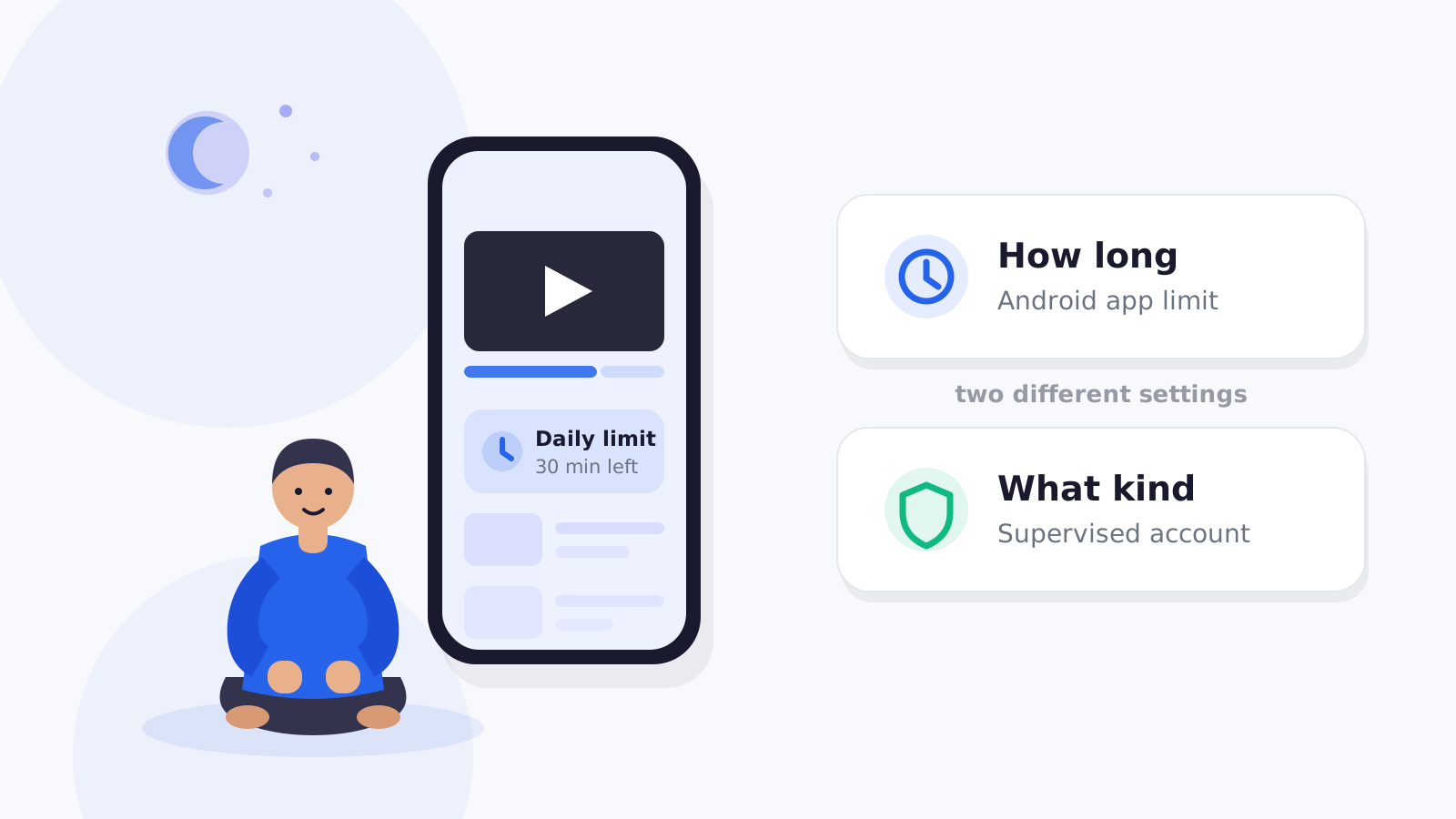
You have two different ways to limit Roblox
Option 1: Android-level app limit
Google Family Link currently lets parents set daily limits for individual apps on supported Android devices.
Google says app limits are available for Android 7+ devices, with system-app exceptions. See Google’s app-limit documentation.
This is useful when you want:
- Roblox limited
- school apps still available
- calls/maps unaffected
Option 2: Roblox’s own parental screen-time controls
Roblox also has its own parental-control system.
Roblox currently documents daily screen-time limits for eligible child accounts and lets linked parents manage them through Parental Controls. Roblox’s current screen-time guide explains the setup.
Roblox also offers spending and content/communication controls for supported child accounts.
These are different layers.
Which limit should you use?
Use Android-level limits when:
- you want the rule managed from the device/family-control system
- you use the same parent system for other apps
- you want scheduled app restrictions too
Use Roblox’s own limit when:
- you want Roblox-specific parental controls inside the Roblox ecosystem
- the child uses Roblox across more than one supported device/account context
- you also want Roblox-specific content/spending settings
Some families may use both.
But avoid creating conflicting limits you cannot explain.
A school-night example
Imagine a 10-year-old.
Family rule:
Monday–Thursday
Roblox: 45 minutes.
Friday
Roblox: 75 minutes.
Homework time
Roblox unavailable.
Always available
- calls
- school apps
- maps
Extra time
Parent can approve 10–15 minutes when there is a real reason.
That is much more precise than:
“Two hours of phone time.”
The “just one more game” problem
Roblox is not one game.
Some experiences have:
- rounds
- multiplayer sessions
- social play with friends
- natural stopping points
So a timer can expire at an awkward moment.
Do not solve this by making limits meaningless.
Create a stopping rule:
“When the 10-minute warning appears, do not start something you know will run beyond the limit.”
And allow a short finish-the-round exception occasionally.
If the exception is needed every day, the rule needs redesigning.
Give the child a warning before the limit
Abrupt endings produce more conflict.
A better sequence:
- 10 minutes left
- child finishes current activity
- no new long session starts
- limit ends
- Roblox pauses
The exact mechanism depends on the parental-control system, but the principle works even without software.
Screen-time limits do not replace Roblox safety controls
This distinction matters.
A 45-minute Roblox limit does not decide:
- who can chat
- which games/experiences are available
- spending
- privacy
Roblox has separate parental controls for those.
Roblox’s current parent-control overview includes screen time, content maturity, communication/connections, and spending. See Roblox Parental Controls.
If your concern is whether Roblox itself is appropriate for your child, use our Roblox safety guide rather than trying to solve everything with a timer.
What if the child uses Roblox on another device?
An Android app limit applies to the Android environment being supervised.
If the child also uses:
- tablet
- computer
- console
consider whether the rule should follow:
- the app/device or
- the child’s total Roblox time
That is a family-policy question.
Roblox’s own account-level controls may be relevant when usage spans platforms.
What FlashDroid can do
FlashDroid can apply an Android app rule specifically to Roblox:
- allow
- limit
- block
- recurring time-based restrictions
Other apps can remain available.
Parents can also create and name their own routines for different parts of the week.
FlashDroid does not inspect Roblox chats or individual experiences. Those are managed inside Roblox.
For the broader model, see our screen-time guide and limit games and apps use case.
Common mistakes
Limiting the whole phone because of one game
Use an app-specific limit first.
No warning
Ending in the middle of a social/multiplayer moment creates avoidable conflict.
Treating content and time as the same problem
Roblox safety settings and Roblox time limits are separate.
Allowing unlimited extensions
If every limit ends with “just ten more minutes,” the limit becomes a suggestion.
Setting a limit without checking actual use
Look at current Roblox time first. A rule is easier to explain when it is based on what is really happening.
A good conversation with the child
Try:
“I’m not blocking Roblox. I’m giving Roblox its own amount of time so it doesn’t take over homework and the rest of the evening. If the limit ends in the middle of something that genuinely can’t stop, ask.”
That is clearer than:
“You play too much.”
Decide whether the limit is per day or per session
Some children handle one 45-minute block well.
Others do better with:
- 20 minutes after school
- another 20–30 minutes later
If the problem is difficulty stopping, shorter sessions can sometimes be easier to manage than one long allowance.
The key is consistency.
Do not redesign the rule every day based on how loudly the child asks.
Review the rule after a week
After seven days, ask:
- Was the limit reached every day?
- Did homework become easier to start?
- Did the child keep asking for extensions?
- Was the limit too low for social play with real-life friends?
- Did Roblox simply move to another device?
A limit should be adjusted based on what actually happened, not on whether the first number sounded reasonable.
Related
Sources
- Google Family Link — App time limits
https://support.google.com/families/answer/15957417 - Roblox — Managing Screen Time
https://en.help.roblox.com/hc/en-us/articles/30428328969492-Managing-Screen-Time - Roblox — Parental Controls
https://about.roblox.com/parental-controls
Frequently asked questions
Can Family Link limit Roblox specifically?
Yes. Google currently supports per-app time limits on supported Android devices.
Does Roblox have its own screen-time controls?
Yes. Roblox currently provides parental screen-time controls for eligible linked child accounts.
Should I use both Family Link and Roblox limits?
You can, but keep the setup understandable. Two conflicting timers may create unnecessary confusion.
Can a Roblox timer control chat or spending?
No. Those are separate Roblox parental-control settings.
Should I block Roblox during homework?
If Roblox is interrupting homework, a recurring app restriction during study time can be more useful than reducing the whole phone’s daily limit.
Does FlashDroid read Roblox messages?
No. FlashDroid manages Android-level app access/time; it does not read private content inside Roblox.
Part of the Screen Time Guide for Parents: Rules That Work in Real Life.
Related guides
See how FlashDroid works
Set the day’s limit together, keep distractions out of study hours, and switch to Exam Day in one tap. Works whether the phone is theirs or yours.
See how it works